Spodi 2.0: детали тренировки, шеринг и Premium
Короткий гид по трём главным изменениям семейства 2.0-2.2: детали тренировки, шеринг и Premium-фичи.
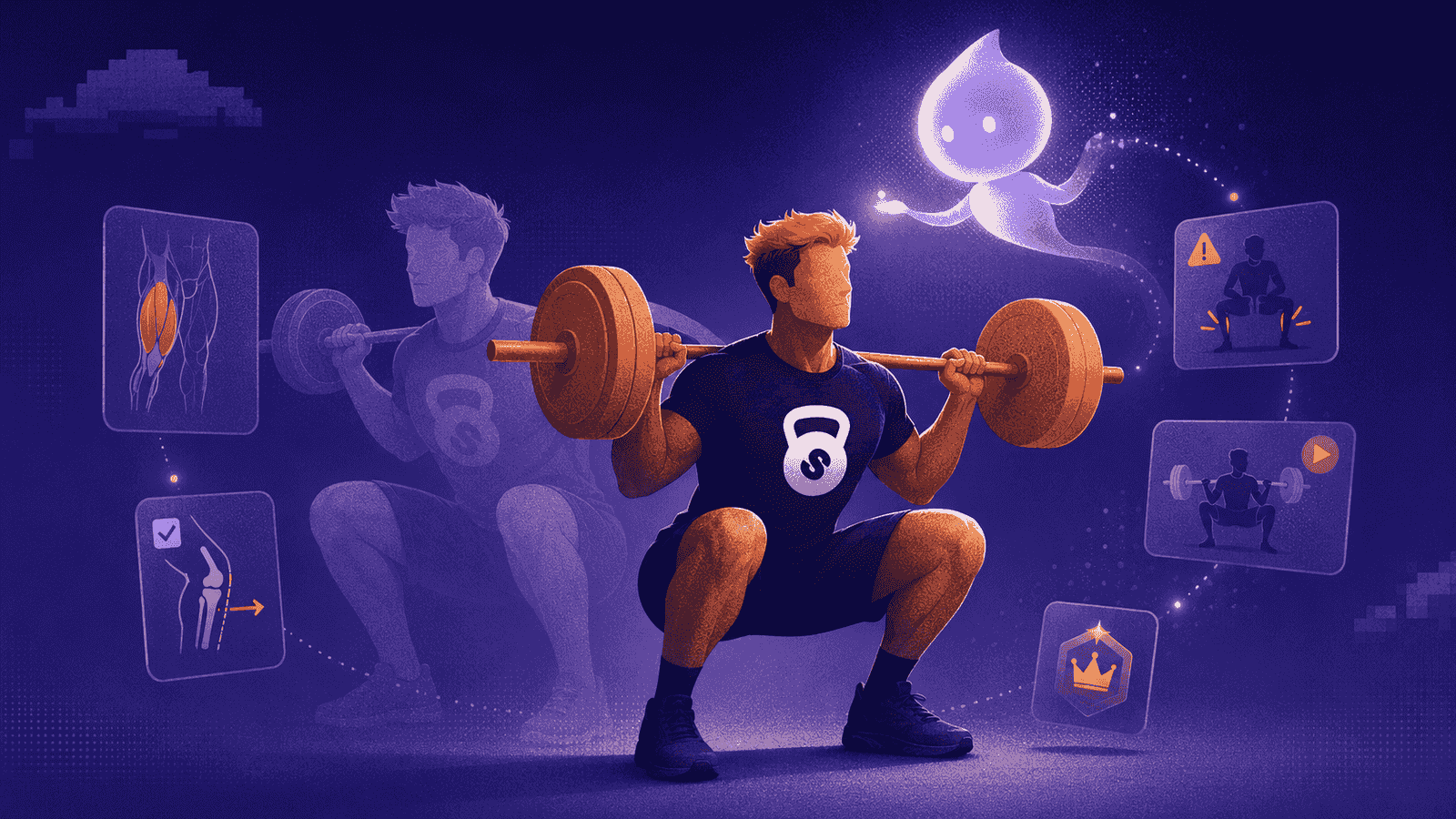
Spodi 2.0 уже в App Store. Это пост про семейство релизов 2.0-2.2: без длинного списка мелочей, только три главные вещи — детали тренировки, шеринг и Premium-режим с AI-тренером и экспортом.
Ниже — что изменилось, где это искать и как пользоваться.
Детали тренировки
Тренировка в Spodi стала более самостоятельным рабочим экраном: внутри видно план, упражнения, подходы, заметки и всё, что нужно прямо во время занятия.
- Откройте тренировку из текущей сессии, истории или шаблона.
- Тапните по упражнению, чтобы открыть детали: техника, анимация, мышцы, оборудование, типичные ошибки и альтернативы.
- Работайте в контексте: веса, повторы, заметки и структура тренировки остаются рядом, без переключения в отдельный справочник.
Смысл простой: во время тренировки не нужно уходить в поиск или вспоминать технику. Всё открывается из того места, где вы уже записываете подходы.
Шеринг
Делиться можно двумя разными вещами: результатом тренировки и шаблоном.
- Готовая тренировка: завершите тренировку → меню … → Поделиться. Можно выбрать стикер для сторис или полноценную карточку с упражнениями и подходами, настроить цвет и отправить картинку в любой мессенджер.
- Шаблон: откройте шаблон → Поделиться. Spodi создаст ссылку вида
spodi.ru/t/.... Получатель открывает её, импортирует шаблон и получает независимую копию со всеми упражнениями, заметками, разделами и суперсетами.
Премиум режим и премиум фичи
Premium в Spodi — это режим для функций, которые расширяют обычный дневник: помогают быстрее собрать тренировку или забрать данные в удобном формате.
AI-тренер
AI-тренер подбирает тренировку под вашу историю, цель, доступное оборудование и время. На выходе это не абстрактный совет, а карточка с упражнениями, подходами, повторами и весами, которую можно сразу принять и начать как обычную тренировку.
- Настройте предпочтения: откройте Профиль → AI-тренер и укажите цель, опыт и оборудование. Там же можно включить или скрыть кнопку AI в верхней панели.
- Сгенерируйте тренировку: нажмите кнопку AI в iOS, выберите тип тренировки — авто, фулбади, верх, ноги, pull или push — и длительность: 30, 45, 60, 90 или 120 минут.
- Проверьте карточку: тап по упражнению открывает его детали, круговая стрелка заменяет конкретное упражнение, крестик отклоняет вариант, сердце или свайп вправо принимает.
- Начните: после принятия Spodi создаёт шаблон, синхронизирует его и открывает новую тренировку с уже заполненным планом.
Экспорт
Экспорт нужен, когда хочется забрать свою историю в нормальном формате: CSV для таблиц, XLSX для Excel или Markdown для агентов, нейросетей, личных заметок и разборов тренировочного процесса.
- Откройте Профиль → Экспорт данных.
- Выберите формат: CSV, XLSX или Markdown.
- Когда файл будет готов, его можно скачать, отправить через системный share sheet или получить на почту.
AI-тренер и экспорт входят в Spodi Premium. Подписка оформляется на spodi.ru/subscribe и применяется ко всему аккаунту: iOS и веб увидят доступ после синхронизации.
Готов вывести тренировки на новый уровень?
Присоединяйся к тем, кто тренируется умнее вместе со Spodi.